

The lifespan of thermal pads for GPUs is a crucial factor that both PC enthusiasts and professionals in the field of computer hardware need to understand. As a supplier of thermal pads for GPUs, I've witnessed firsthand the impact that the quality and durability of these components can have on the performance and longevity of graphics processing units. In this blog, I'll delve into the various aspects that determine the lifespan of GPU thermal pads, the signs of degradation, and how to choose the right thermal pads to ensure optimal performance over time.
Factors Affecting the Lifespan of GPU Thermal Pads
1. Material Quality
The material of the thermal pad is perhaps the most significant factor influencing its lifespan. Thermal pads are typically made from materials such as silicone, graphite, or phase - change materials. High - quality silicone thermal pads, like the Conductive Silicone Gasket, are known for their excellent thermal conductivity and resistance to aging. They can withstand high temperatures without significant degradation for a relatively long time.
Graphite thermal pads offer high thermal conductivity and are very thin, which can be beneficial for some GPU designs. However, they may be more prone to physical damage during installation or over time. Phase - change materials are designed to change their state at a specific temperature, providing better contact and thermal transfer. But they can dry out or harden over extended use, reducing their effectiveness.
2. Operating Temperature
The temperature at which the GPU operates plays a vital role in the lifespan of the thermal pad. GPUs generate a significant amount of heat during normal operation, and if the thermal pad is constantly exposed to high temperatures, it will degrade more quickly. For example, if a GPU is overclocked and runs at temperatures above its recommended range, the thermal pad may start to break down within a few months.
On the other hand, if the GPU is used for light tasks and operates at relatively low temperatures, the thermal pad can last for several years. It's important to note that the ambient temperature of the environment where the computer is located also affects the operating temperature of the GPU and, consequently, the lifespan of the thermal pad.
3. Installation and Pressure
Proper installation of the thermal pad is essential for its long - term performance. If the thermal pad is not installed correctly, it may not make full contact with the GPU and the heatsink, leading to poor thermal transfer. This can cause hotspots on the GPU, which in turn can accelerate the degradation of the thermal pad.
The pressure applied during installation also matters. If too much pressure is applied, the thermal pad may be compressed beyond its limit, losing its ability to conform to the surfaces over time. Conversely, if too little pressure is applied, the thermal pad may not make good contact, resulting in reduced thermal conductivity.
Signs of Thermal Pad Degradation
1. Increased GPU Temperatures
One of the most obvious signs that a thermal pad is reaching the end of its lifespan is an increase in GPU temperatures. As the thermal pad degrades, its ability to transfer heat from the GPU to the heatsink decreases. This causes the GPU to run hotter, which can lead to performance throttling and potentially damage the GPU over time.
If you notice that your GPU is running significantly hotter than it used to, even under normal loads, it may be time to check the thermal pad. You can use software tools to monitor the GPU temperature and compare it to the temperatures when the GPU was new or when the thermal pad was last replaced.
2. Visible Physical Changes
Over time, thermal pads can undergo visible physical changes. For silicone thermal pads, they may start to become brittle or develop cracks. Graphite thermal pads may flake or lose their shape. Phase - change materials may harden or separate from the surfaces they are supposed to be in contact with.
If you open up your GPU cooler and notice any of these physical changes in the thermal pad, it's a clear indication that the thermal pad needs to be replaced.
3. Audible Fan Noise
As the GPU temperatures increase due to a degraded thermal pad, the fans on the GPU cooler will have to work harder to dissipate the heat. This can result in increased fan noise. If you notice that your GPU fans are running louder than usual, it could be a sign that the thermal pad is no longer functioning properly.
How to Extend the Lifespan of GPU Thermal Pads
1. Proper Cooling
Ensuring that your GPU has adequate cooling is one of the best ways to extend the lifespan of the thermal pad. This includes having a well - ventilated case, clean fans, and a high - performance GPU cooler. You can also use additional cooling solutions such as liquid cooling systems to keep the GPU temperatures down.
2. Regular Maintenance
Regular maintenance of your computer can also help to extend the lifespan of the thermal pad. This includes cleaning the GPU cooler and the thermal pad periodically to remove dust and debris. Dust can accumulate on the thermal pad and the heatsink, reducing their ability to transfer heat effectively.
3. Avoid Overclocking
Overclocking your GPU can significantly increase its operating temperature, which in turn can shorten the lifespan of the thermal pad. If you want to extend the life of your thermal pad, it's best to keep your GPU running at its stock settings or only overclock it moderately.
Choosing the Right Thermal Pads for Long - Term Use
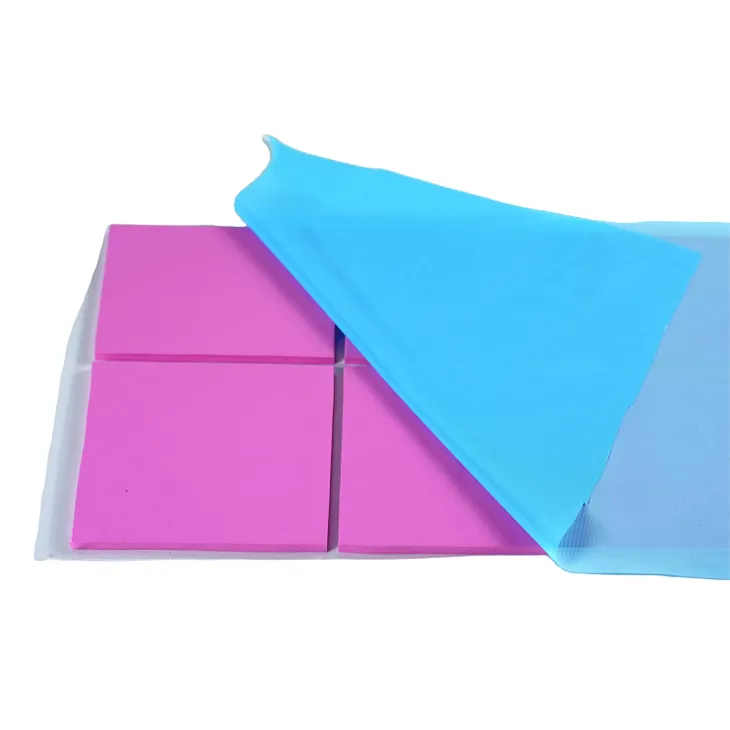
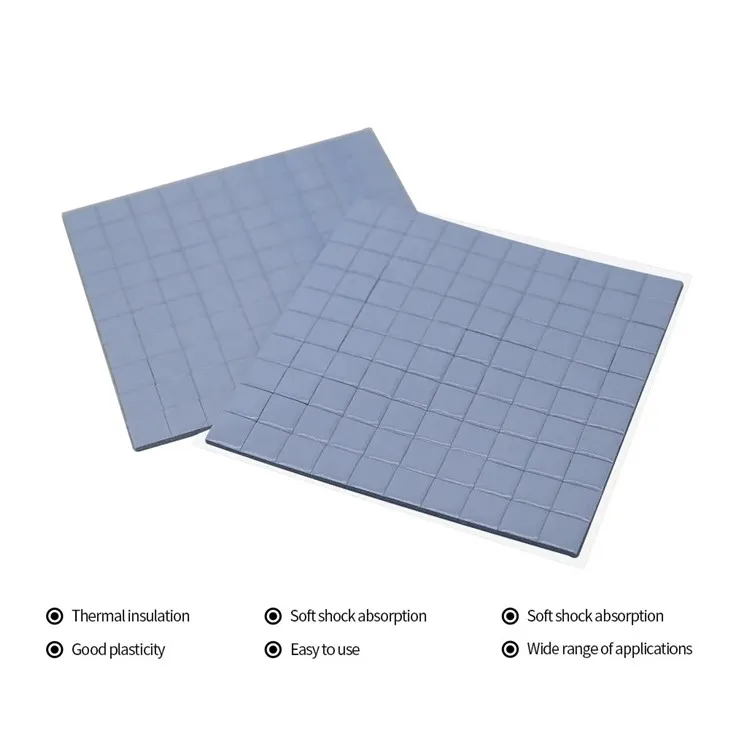
When selecting thermal pads for your GPU, it's important to choose high - quality products. Brands like Henkel Gap Pad are known for their reliability and long - lasting performance. They offer a range of thermal pads with different thermal conductivities and thicknesses to suit various GPU models and requirements.
Another option is the Conductive Silicone Pad, which provides excellent thermal transfer and is resistant to aging. These pads are designed to maintain their performance over a long period, even under high - temperature conditions.
Conclusion
The lifespan of thermal pads for GPUs can vary greatly depending on several factors, including material quality, operating temperature, and installation. By understanding these factors and taking appropriate measures to extend the lifespan of the thermal pad, you can ensure that your GPU operates at optimal performance for a longer time.
As a supplier of thermal pads for GPUs, we are committed to providing high - quality products that meet the needs of our customers. If you are interested in purchasing thermal pads for your GPUs or have any questions about our products, please feel free to contact us for further discussion and procurement negotiations. We look forward to serving you and helping you achieve the best thermal management for your GPUs.
References
- Computer Hardware: A Systems Approach by Randall Hyde
- Thermal Management of Electronic Systems by Ravi S. Prasher